
How do I activate my SSL?
To activate the SSL, you’ll need to make sure you’ve pointed the domain name to our nameservers or you can install third part SSL
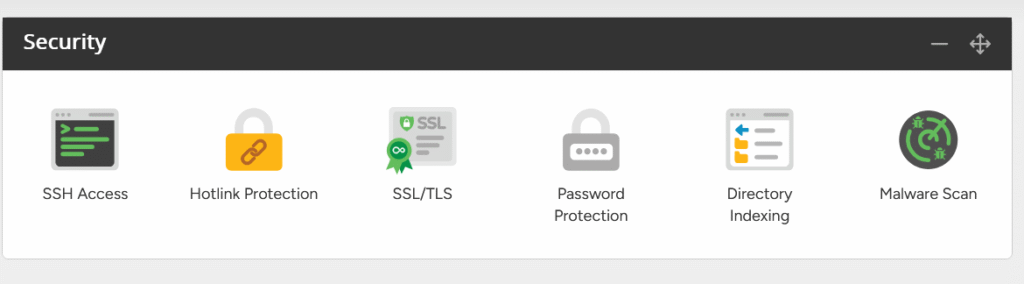
- Under Security, click on the SSL/TLS icon.
- You will then see your domain name and an option to Activate SSL next to it – select this and the SSL will be applied to your domain.
- If you’d like all your visitors to use SSL connections (i.e. for HTTPS to always be used), simply select the Enable option at the bottom of the page.
Once the SSL Certificate has been activated, it will take up to 30 minutes to secure your website. This is due to the changes needed to be made on our load balancers.
Download Our AI Solutions Brochure
Download our AI Services brochure to discover how AI can revolutionise your business. Learn the best approaches for AI adoption, cost-effective implementation strategies, and how to maximise ROI with tailored solutions.